
We have developed the new Workflows feature on a brand new platform, so you will need to create a new login from the one that you typically use. Below is a quick screencast, with full instructions below
Step 1: “Reset” Password
When you’ve been selected to take part in the Alpha test, you will receive an email like the one below. Click the confirm button to begin the reset process.
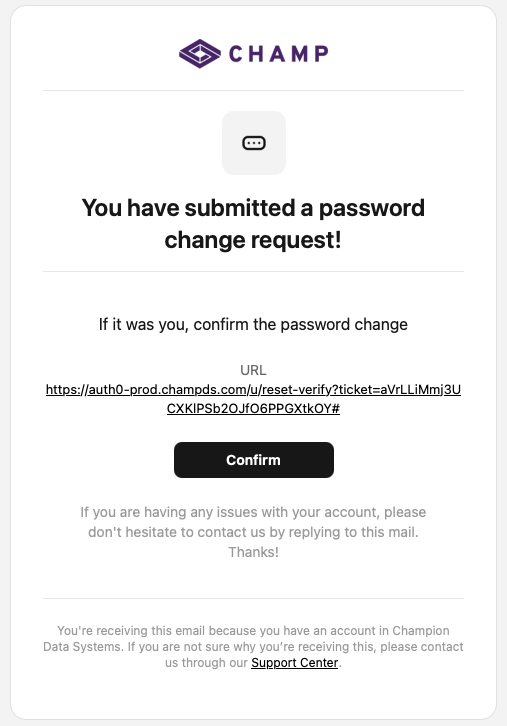
Enter in a new password and click the “Reset” button.
Step 2: Login
Now that you’ve set your password, log in with your username and password and you’ll be presented with the following prompt:
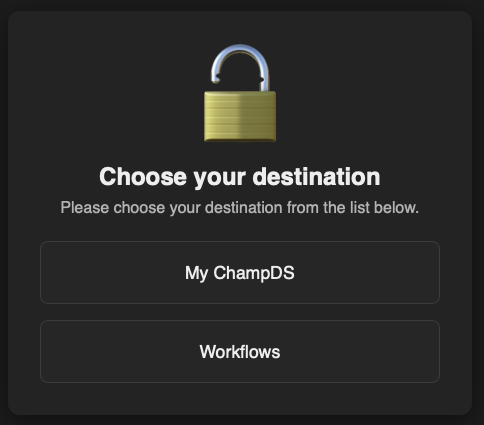
“My ChampDS” will take you to your normal login for CHAMP. “Workflows” will take you to the new CHAMP Workflows Alpha platform.